

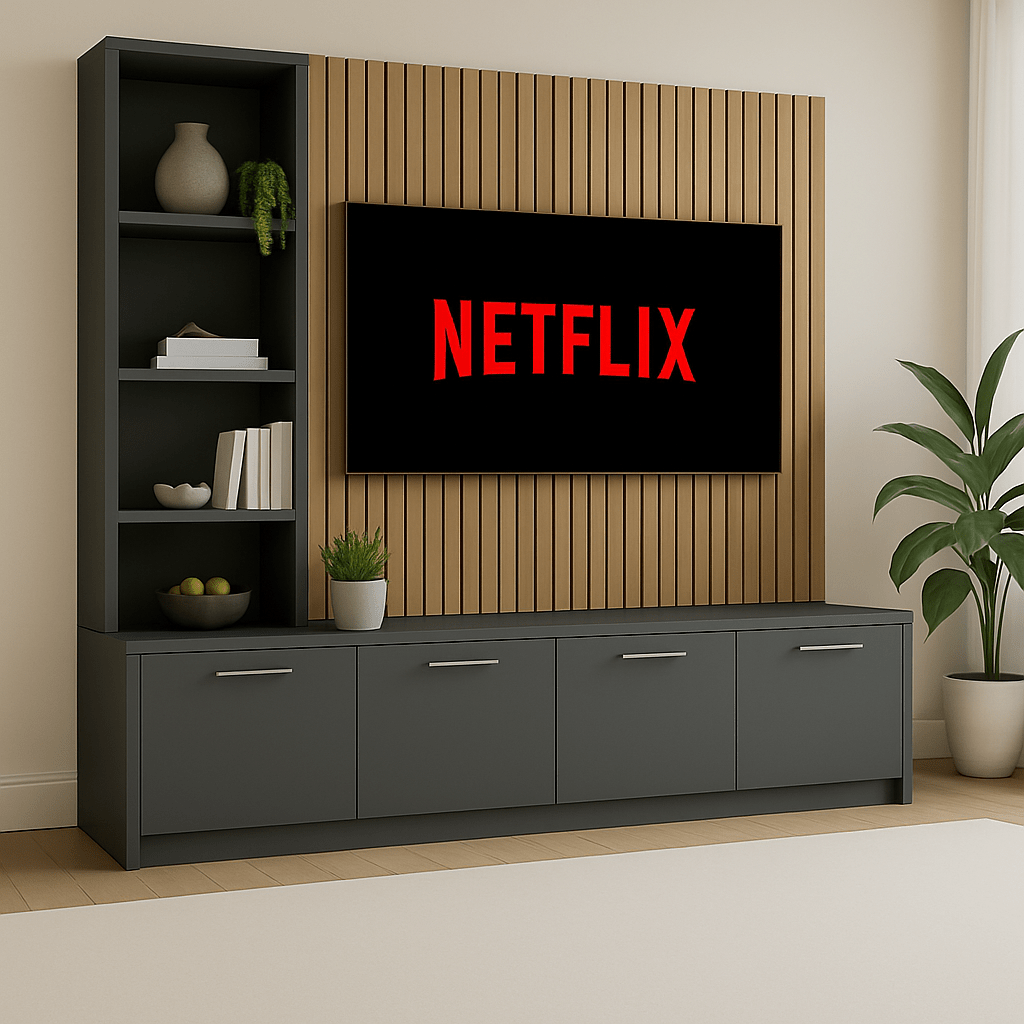
If you’re planning a media wall, the difference between “looks great” and “works brilliantly” comes down to the prep. This step-by-step guide walks you through measurements, TV sizing, storage planning, sockets and cable routes - with a simple checklist you can copy. For a broader overview covering costs, design ideas and future trends, see our complete media wall guide
- Planning checklist
- TV sizing & layout
- Cable routing
- Made-to-measure UK
Looking for a made-to-measure media wall?
Explore our media wall entertainment units - made to order in the UK and backed by a 15-year guarantee.
Before you start: the 3 decisions that make everything easier
- Where you’ll sit most often (this affects TV height and viewing comfort).
- What needs to be stored (devices, games, books, documents, décor).
- How you want the wall to feel (clean and minimal vs. more display shelving).
“The easiest media walls to live with are the ones planned around real routines: where you sit, what you use daily, and what you want to keep out of sight.”
Step-by-step: how to plan a media wall (properly)
-
Step 1: Measure your wall (and note the awkward bits)
Measure the full width and height, then record anything that impacts the layout: skirting boards, coving, sockets, radiators, doors and windows. A quick phone photo with notes can be surprisingly helpful later.
-
Step 2: Decide your TV position (height and viewing distance)
Mark the TV’s rough position with painter’s tape. Aim for a comfortable viewing height based on your sofa and how you naturally sit - not just what looks good standing up.
-
Step 3: Plan “device homes” (so cables don’t take over)
List every device you’ll use (Sky/Virgin box, soundbar, games console, streaming box, router, AV receiver). Decide where each item will live and ensure you can still reach power, ports and remotes.
-
Step 4: Allow ventilation for anything that runs hot
Consoles and set-top boxes need airflow. If you’re housing devices inside cabinets, plan ventilation so the setup stays reliable over time.
-
Step 5: Future-proof for upgrades
TVs rarely get smaller. Build in breathing room around your current screen and plan cable routes so you can upgrade later without redesigning the whole unit.
-
Step 6: Choose the storage balance (open vs closed)
Closed cabinets keep things looking calm and tidy. Open shelves are great for décor and everyday items. The best layouts usually use a mix of both.
Copy-and-use media wall planning checklist
Tip: Copy this into Notes, Google Docs or email it to yourself.
Room + wall
- Wall width: ____ mm / cm
- Wall height: ____ mm / cm
- Skirting/coving details noted
- Sockets location marked
- Obstructions (radiator/door/window) noted
TV + devices
- TV size (inches): ____
- Future upgrade allowance planned
- Devices list (console/box/soundbar/router): ____
- Ventilation considered for hot devices
Storage + finish
- Closed storage needed for clutter
- Open shelving needed for display
- Finish preference (light/dark/neutral): ____
- Lighting wanted (yes/no): ____
Optional: Take a photo of the wall and annotate it with measurements and socket locations.
Common planning mistakes (and how to avoid them)
- Building tight to the TV - leave room for airflow and future upgrades.
- Forgetting device access - you still need to reach plugs, ports and remotes.
- Underestimating storage - plan for what you actually use daily.
- Ignoring sockets - cable routes are easiest to solve at the planning stage.
Browse made-to-measure media wall units
Explore our media wall entertainment units - UK manufactured, built to your space, and backed by a 15-year guarantee.
Planning FAQs
What is the best height for a TV on a media wall?
A common guideline is to place the centre of the screen roughly at seated eye level. Your ideal height depends on sofa height, viewing distance and TV size, so measure from where you actually sit before fixing the position.
How much space should I leave around a TV on a media wall?
Leave clearance for airflow, cabling and future upgrades. In practice, that means designing with comfortable breathing room rather than building tightly around your current TV dimensions.
Do media walls need ventilation?
Yes — especially if you’re housing consoles, set-top boxes or AV receivers inside cabinets. Ventilation prevents heat build-up and helps devices run reliably.
Can I plan a media wall around future TV upgrades?
Yes. The safest approach is to allow extra width/height and plan cable routes so you can swap devices and screens later without redesigning the whole unit.
What measurements do I need before ordering a made-to-measure media wall unit?
Measure total wall width and height, skirting and coving details, the position of sockets and any obstructions (radiators, doors, windows), plus your TV size and any devices you plan to store.
Next in the series: a UK cost breakdown (what affects price, what to prioritise, and how to budget sensibly).
Share:
The Complete Guide to Media Walls in the UK: Planning, Cost, Design & 2026 Trends
How Much Does a Media Wall Cost in the UK? Budget, Pricing & Value Guide